AR Scavenger Hunt: How Image Recognition Transforms Location-Based Games [2026]
Augmented reality is changing the way people interact with physical spaces during scavenger hunts. But most platforms that claim to offer "AR" are actually using QR codes that trigger 3D models on screen. True AR image recognition is different: players point their phone camera at a real-world object and the system identifies it automatically. No QR sticker needed. No extra app required. This guide explains the three types of AR used in scavenger hunts, compares what platforms actually deliver, and shows where camera-based image recognition creates experiences that other methods simply cannot replicate.
What is an AR scavenger hunt and how does it work?
An AR scavenger hunt is a location-based game where players use their smartphone camera to interact with real-world objects and environments through augmented reality technology. Instead of simply arriving at a GPS coordinate, players must find and scan specific objects, images, or landmarks to unlock hidden content, earn points, or advance to the next challenge.
The experience adds a layer of discovery that GPS coordinates alone cannot provide. A player stands in front of a building, a painting, or a trail marker and watches their phone screen transform as the system recognizes what the camera sees. Digital content appears overlaid on the real view, confirming the discovery and revealing what comes next.
What are the three types of AR used in scavenger hunts?
Three fundamentally different technologies are marketed as "AR" in scavenger hunts, but they vary widely in player experience and technical capability. Understanding the differences helps organizers choose the right approach for their event.
| Type | How It Works | Player Experience | Limitations |
|---|---|---|---|
| QR-to-3D | Player scans a QR code sticker, a 3D model appears on screen | See a digital object floating in camera view | Requires physical QR stickers at every location. Players interact with the sticker, not the real object |
| GPS + Camera Filters | App detects GPS location and overlays effects on camera feed | Digital elements appear when near a coordinate | No object recognition. Works anywhere within GPS radius, even facing the wrong direction |
| Image Recognition | Camera identifies a specific real-world object, painting, or sign by its visual features | Point camera at the actual target. System confirms when recognized | Requires clear line of sight to target. Works best with visually distinct objects |
Only image recognition creates a direct link between the player and the physical object. The other two methods use proxies: a sticker or a coordinate. This distinction matters when the goal is to make participants truly observe and interact with their environment.
How does camera-based image recognition work in a scavenger hunt?
Camera-based image recognition uses computer vision to match what the phone camera sees against a pre-compiled reference image. The creator uploads a photo of the target object during setup. The system extracts hundreds of visual feature points and compiles them into a lightweight recognition file. During gameplay, the player's camera feed is analyzed in real-time, comparing detected features against the stored reference.
When a match is confirmed, the system unlocks the next stage of the game. The entire process runs locally on the device with zero server calls, which means it works offline in areas with no cellular reception. Recognition typically takes 1 to 3 seconds once the camera is pointed at the correct object. The technology works with paintings, signs, sculptures, building facades, printed materials, and any object with sufficient visual texture.
Where does AR image recognition create the best scavenger hunt experiences?
AR image recognition unlocks experiences that QR codes and GPS simply cannot replicate. Here are the use cases where it delivers the most value:
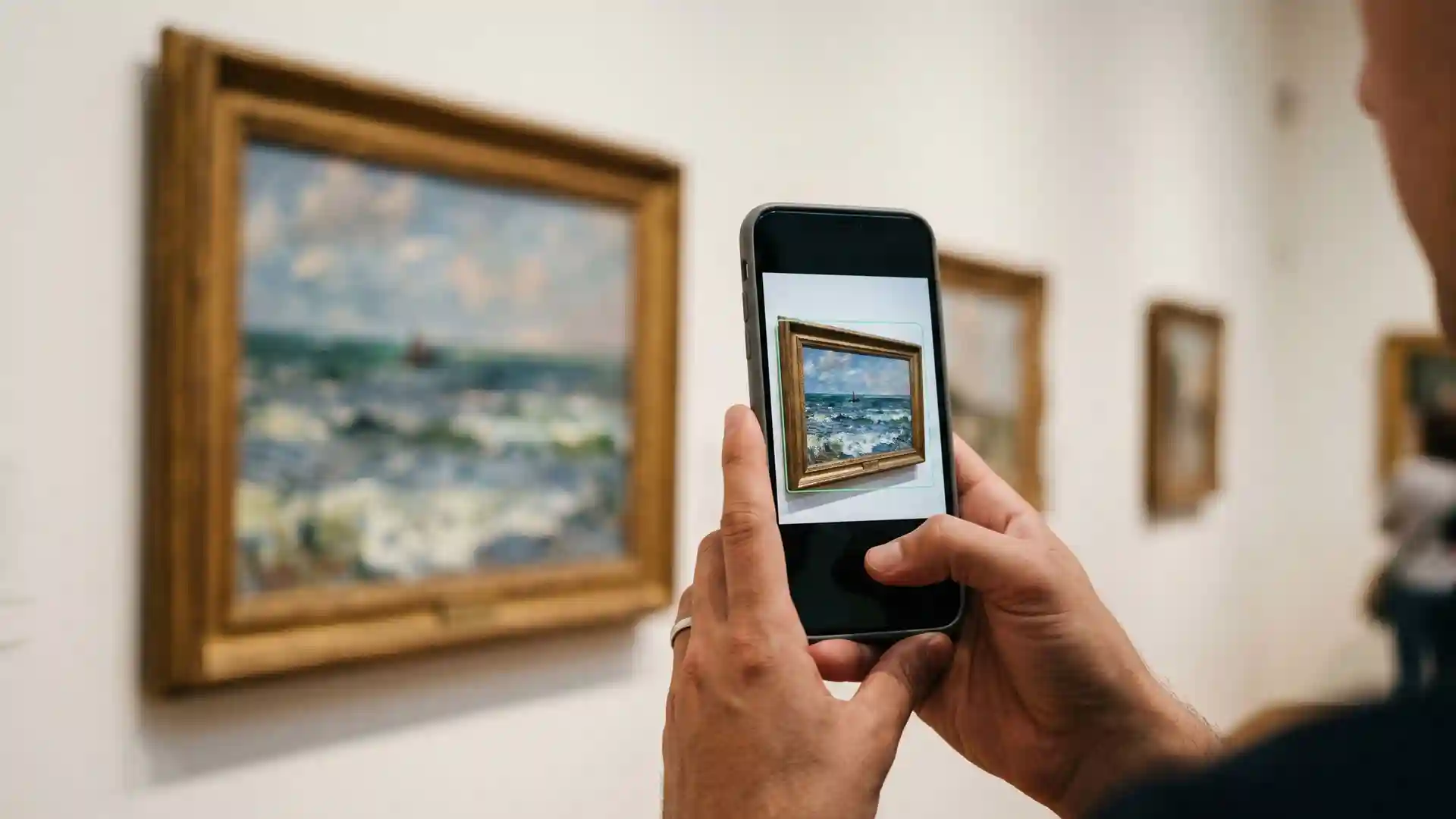
Museums and galleries. Players must find and scan a specific painting, sculpture, or exhibit to unlock historical context, quiz questions, or audio narration. The artwork itself becomes the key. No QR sticker needs to be attached to a 400-year-old frame. A museum audio guide that uses image recognition turns passive viewing into active discovery.
Historic sites and landmarks. A heritage trail where players scan building facades, memorial plaques, or architectural details. The system recognizes the actual structure, not a sticker attached to it. Ideal for sites where physical modifications are restricted or undesirable.
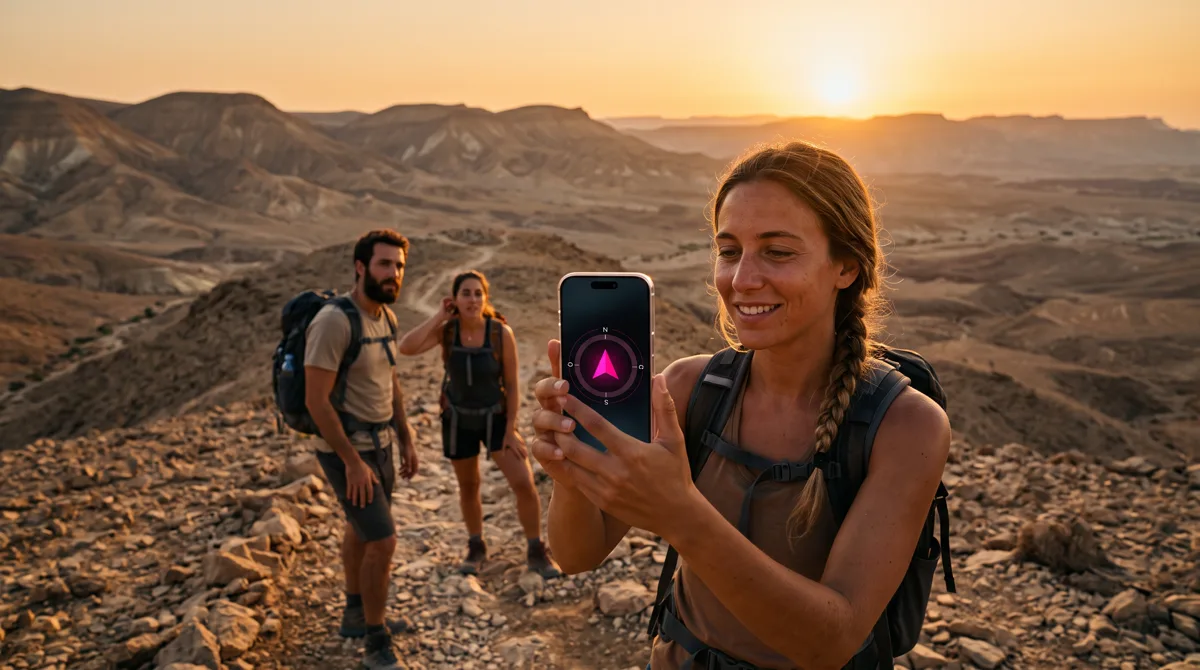
Nature trails and outdoor education. Trail markers, information boards, and park signs become interactive checkpoints. Students on a field trip scan a forest sign to unlock ecology questions. A GPS compass lock guides them to the area, then image recognition confirms they found the exact spot.
Corporate offices and onboarding. New employees scan the company logo in the lobby, the team photo wall, or a specific product on display. Each scan reveals team introductions, company history, or orientation tasks. Works in any indoor space without GPS.
Campus orientation. University students scan building names, library entrances, or department signs during their first week. Combines wayfinding with interactive challenges. No infrastructure changes needed because the signs are already there.
Retail and brand activations. Product packaging, store displays, or promotional posters become AR triggers. Customers scan a product on the shelf to reveal a clue. Works for pop-up events, trade shows, and in-store promotions.
Escape rooms and indoor adventures. Physical objects in the room become puzzle elements. A book spine, a wall decoration, or a framed photo triggers the next clue when scanned. Blends the physical and digital layers of the game seamlessly.
Birthday parties and family events. Parents hide printed images around the house or yard. Kids scan each image to unlock the next riddle. Zero setup cost, maximum excitement. The same approach works for birthday scavenger hunts with creative photo missions.
Which scavenger hunt platforms actually offer AR image recognition?
Most platforms that mention "AR" in their marketing are using QR-to-3D or GPS-based filters. True camera-based image recognition remains rare in the self-serve scavenger hunt market.
| Platform | AR Type | How It Works | Extra App Needed? |
|---|---|---|---|
| Spotix | Image recognition (MindAR) | Camera identifies real objects. Built-in lock type | No (runs in browser) |
| Loquiz | Object Finder (AI, ~80 preset categories) | AI identifies generic objects ("find a chair"), not custom images | Yes (native app) |
| GooseChase | None (Camera missions only) | Photo/video capture, no AR or recognition | Yes (native app) |
| Scavenger X | QR-to-3D | Scan QR code to see 3D model | Yes (native app) |
| Fectar | QR-to-AR Space | QR codes open AR environments | Yes (app or WebAR) |
| Actionbound | None | No AR features | N/A |
| Scavify | None | No AR features | N/A |
Two key differentiators separate the platforms. First, the type of recognition: generic AI object categories ("find any chair") versus custom image recognition ("find this specific painting"). Second, the access method: native app download versus browser-based with zero installation. Only browser-based custom image recognition delivers both a frictionless entry point and precise control over what players need to find.
Can AR image recognition work offline and without downloading an app?
Yes. Browser-based image recognition using MindAR runs entirely on the device after the initial page load. The recognition file (typically under 500 KB) is cached alongside the rest of the game content during the first QR scan. Once cached, the camera recognition works in airplane mode, deep in a forest, or inside a concrete museum basement with zero signal.
This is a critical advantage for field trips, nature trails, and indoor venues. Players scan the initial access code QR once, and the entire game, including all AR recognition data, downloads to their device. From that point forward, everything runs locally. Photos and scores sync automatically when connectivity returns.
No app store visit. No separate AR application. No "please download before we start" moment that consumes the first 15 minutes of every group activity.
How do you set up an AR image recognition lock for your scavenger hunt?
Setting up an AR lock in the Spotix content editor takes under 2 minutes per station. The creator uploads a clear photo of the target object. The system compiles a MindAR recognition file automatically. The creator adds an optional hint and a custom question that appears before the camera activates.
Best practices for reference images:
- Use visually rich targets: paintings, murals, detailed signs, product packaging. Flat single-color surfaces do not work well
- Shoot straight-on: match the angle players will use in the field
- Avoid glass reflections: photograph through glass at a slight angle to reduce glare
- Minimum resolution: 300 pixels on the shortest side
- Test before the event: confirm recognition works at the actual location, from the distance players will stand
The AR lock integrates naturally with other lock types. A single scavenger hunt can combine GPS compass locks for outdoor navigation, QR locks for indoor checkpoints, and AR image recognition for museum exhibits, all within the same activity.
What makes image recognition better than QR codes for scavenger hunts?
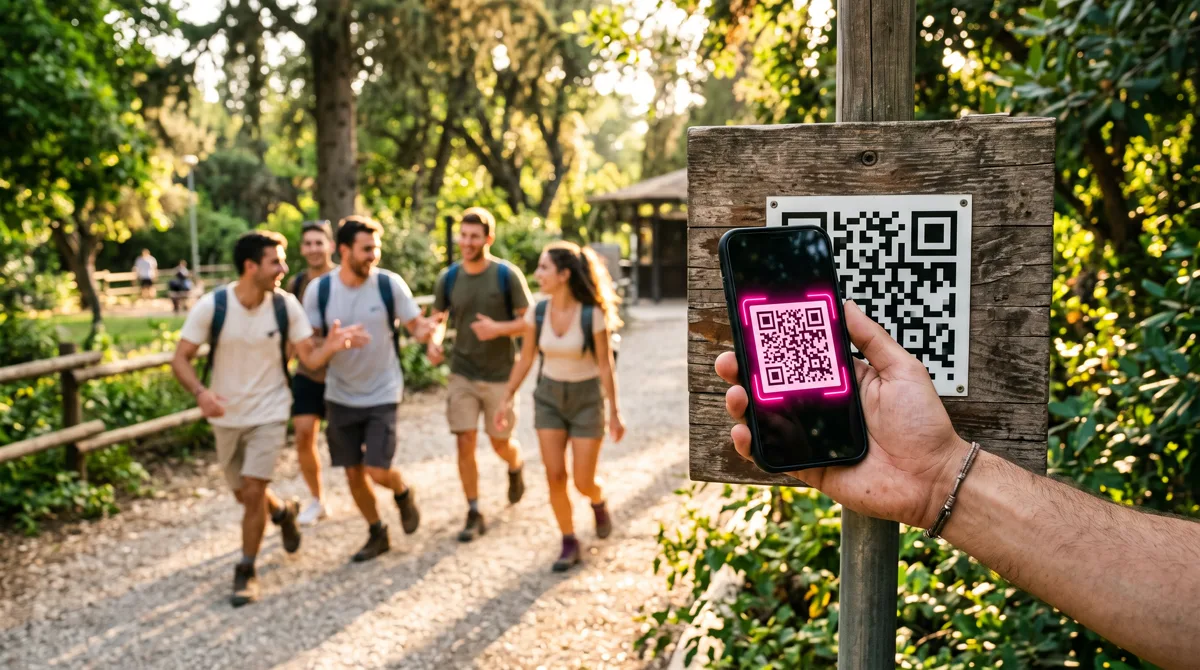
QR codes are reliable and simple, but they turn every station into the same experience: find the sticker, scan it, move on. Image recognition turns the real world into the interface. Players must observe, explore, and identify the actual target. The difference is the quality of attention.
A museum scavenger hunt with QR codes means finding small black-and-white squares stuck to walls. The same hunt with image recognition means studying each painting until the right one triggers the unlock. Students learn to look at details: brushstrokes, architectural elements, natural features. The technology rewards genuine observation, not just proximity.
For organizers, image recognition also eliminates logistical headaches. No printing and laminating QR stickers. No weather damage. No vandalism. No "someone peeled off the QR code" emergencies. The targets already exist in the environment. You just point the system at them.
Combine image recognition with creative photo missions, team sync across devices, and a live event dashboard to create a complete AR scavenger hunt experience that runs entirely in the browser.