How to Create a Digital Scavenger Hunt With GPS Compass, AR, and a Live Photo Gallery
Paper clues taped under benches. Printed riddles that blow away in the wind. A coordinator running between teams trying to keep score on a clipboard. The classic scavenger hunt is fun but limited. The digital version does things that paper simply cannot: a compass that points players toward a mystery location without revealing what awaits them, a camera that recognizes a specific building to unlock the next challenge, and a live gallery that collects every photo from the field and turns them into a cinematic slideshow you project on a big screen when everyone gathers at the end.
What makes a digital scavenger hunt a completely different experience?
A digital scavenger hunt replaces printed clues with a live map that guides players to the area, smart locks that only open when they physically arrive, AR image recognition, and QR code scanning. The result is an experience that feels like an urban adventure, not a worksheet with legs.
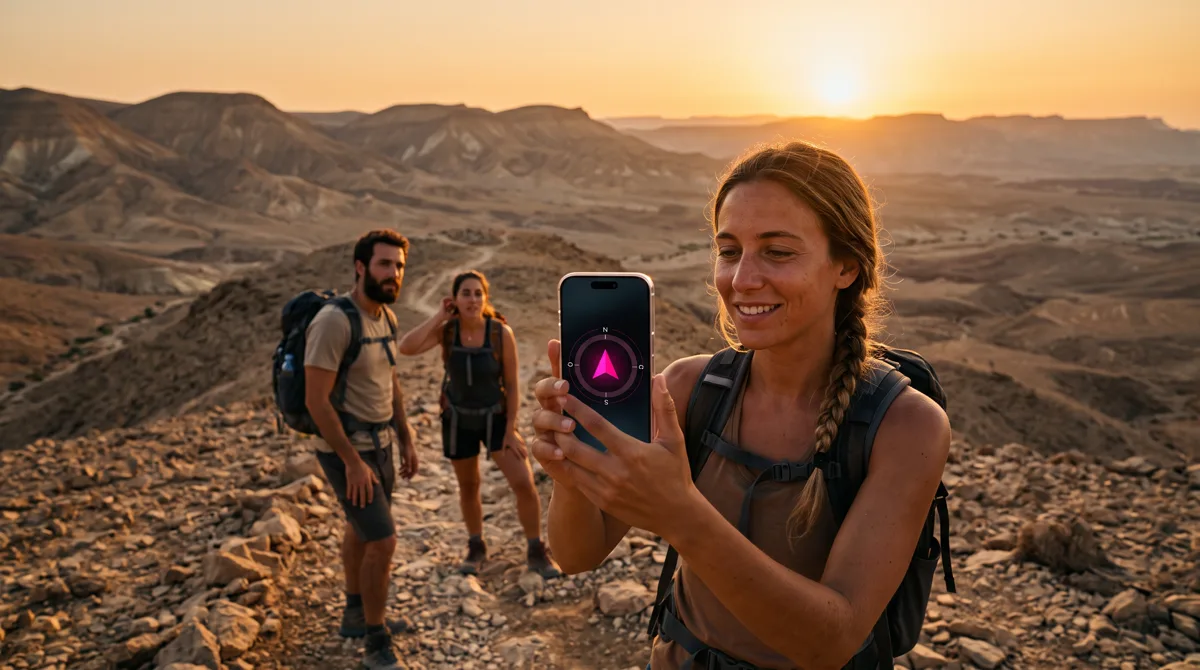
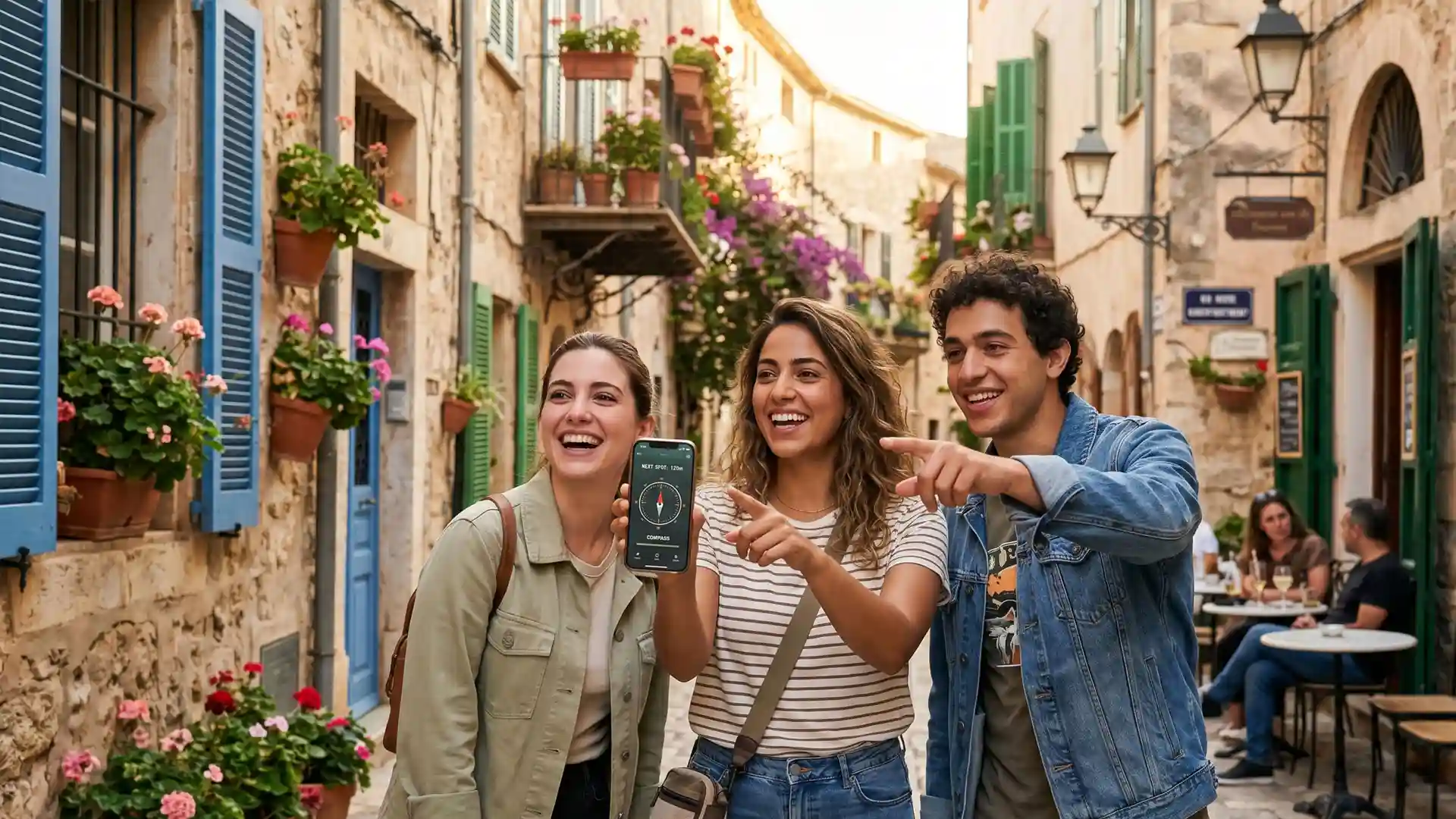
The GPS compass lock is the most powerful tool. Players see a real compass arrow pointing toward a hidden destination, a distance counter that changes color as they get closer, and a proximity bar that fills up as they approach. Audio beeps intensify with every step. No map pin reveals the exact spot. The mystery of what waits at the end of the arrow is what creates the excitement. When they cross the proximity threshold, the lock opens and the challenge is revealed. Before reaching the lock, players can use a live map that guides them to the general area, but the compass lock is what creates the thrill of the final approach.
How does image recognition turn a city into a game board?
AR image recognition lets you turn any physical object into a game trigger. A historic building facade, a street sign, a mural, a statue, a storefront. Players point their camera at the object, the system recognizes it, and the station unlocks. No QR code to stick on the wall, no physical setup to maintain.
This works especially well for heritage walks, neighborhood explorations, and urban team building. A team stands in front of a 100-year-old building and has to find it based on a hint. They point the camera, the lock opens, and a question about the building's history appears. Only someone physically standing there can progress.
How do photo missions and a live gallery change the experience?
Throughout the scavenger hunt, teams complete photo and video missions: a creative group selfie, a photo of something specific in the environment, a short video of the team performing a challenge. Every image uploads in real time to a shared live gallery.
Here is where it gets powerful: if the activity ends with a group gathering, whether at an office, a restaurant, a classroom, or a park, you project the gallery as a cinematic slideshow on a big screen. Every team sees their moments alongside everyone else's. This closing moment is often the highlight of the entire event, the part people talk about afterward.
The gallery is also shareable through a single link. Every participant can access all the photos, download them, and relive the experience.
What do you need to build a scavenger hunt like this?
Building a full digital scavenger hunt with GPS compass locks, image recognition, trivia, photo missions, and a live leaderboard takes one to two hours. No coding required. Here is the process:
- Choose a location - a city center, a park, a neighborhood, a campus, a nature trail
- Mark stations on the map - place points where players need to arrive
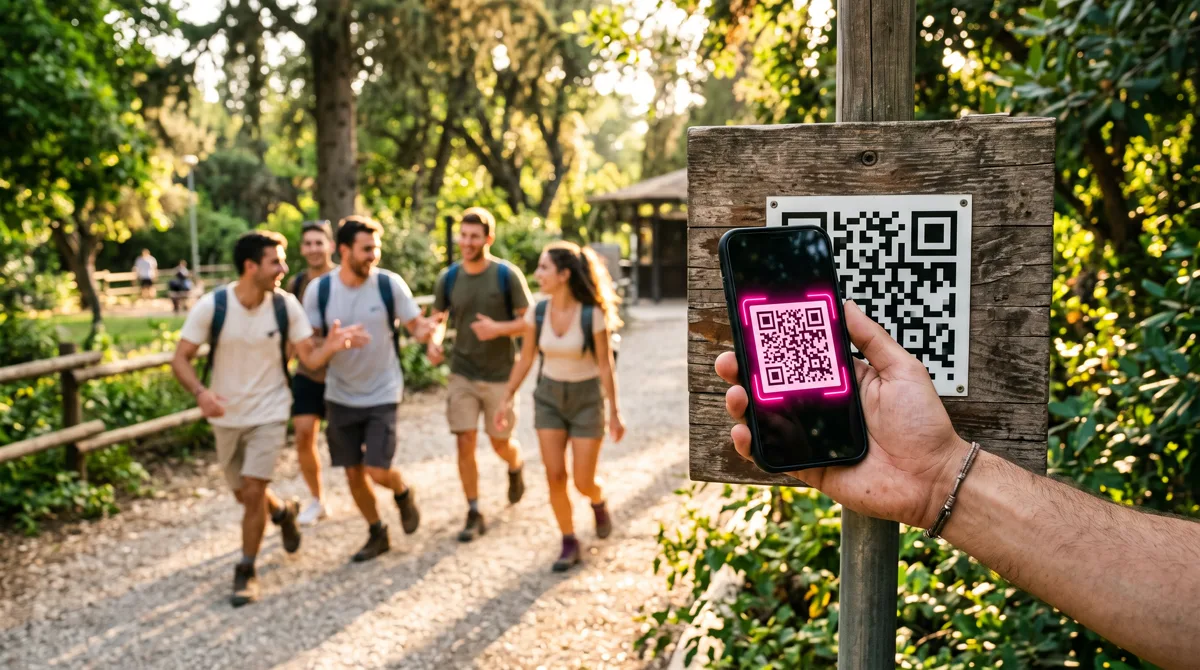
- Set locks for each station - GPS proximity, QR code, AR image recognition, or a text riddle
- Add content - trivia questions, photo missions, information, audio
- Send a code to players - they scan a QR, open the browser, and start playing immediately
No app download. Players use their own phones. Everything runs in the mobile browser.
How do you adapt a digital scavenger hunt for different audiences?
The same platform builds completely different experiences depending on who is playing:
Corporate team building - Competitive mode with a live leaderboard. Teams race through the city, answer trivia, complete creative photo challenges. The event manager watches progress in real time and awards bonuses. The slideshow at the end turns into a shared team memory.
Schools and education - The teacher sets the route around a historical site or nature reserve. Stations include curriculum-connected questions. GPS locks ensure students physically reach each location. The teacher tracks completion from a dashboard without running between groups.
Families and private events - A birthday scavenger hunt through the neighborhood. A bachelorette treasure hunt downtown. Lighter challenges, more photo missions, less competition. The gallery becomes the souvenir.
Tourist attractions and heritage sites - A multilingual trail with audio narration, compass navigation, and image recognition at key landmarks. Works offline for visitors without a local data plan.
Which format works best for each audience?
| Audience | Recommended Format | Key Features | Typical Duration |
|---|---|---|---|
| Corporate Team Building | Competitive city race | GPS compass locks, photo missions, live leaderboard, slideshow at the end | 60 to 90 minutes |
| Schools and Education | Curriculum-linked field trip | GPS navigation, trivia questions, teacher dashboard, offline mode | 45 to 75 minutes |
| Families and Private Events | Neighborhood treasure hunt | QR codes, photo missions, light challenges, shared gallery | 30 to 60 minutes |
| Tourism and Heritage | Self-guided city trail | AR image recognition, audio narration, multilingual, fully offline | 60 to 120 minutes |
Does a digital scavenger hunt work without internet?
Yes. The platform pre-loads all content, maps, and navigation data when players first scan the code. From that point, the map, GPS compass locks, image recognition, trivia, and all game mechanics work fully offline. Photos taken during missions are stored locally and upload automatically when connectivity returns. This means forest trails, underground tunnels, and areas with weak signal work perfectly.
What happens when the scavenger hunt ends?
The best part. If the group meets up afterward, you open the gallery slideshow on any screen. Every photo and video from every team plays in a cinematic sequence. Teams cheer when their moments appear. The event manager can also pull up the final leaderboard and announce winners.
For remote or distributed teams, the gallery link works on any device. Everyone can browse, download, and share without installing anything.