How Small Heritage Sites Can Build a Free Digital Audio Guide (No App, No Budget)
A lighthouse with a fascinating story. A restored historic village. A regional wine trail. A sculpture park open to the public. These are sites with rich content and motivated visitors, but they rely on printed maps and static signs because a dedicated app feels financially out of reach. The assumption that going digital requires a large IT budget stops many small heritage sites from upgrading. That assumption is wrong.
Why do small heritage sites hesitate to go digital?
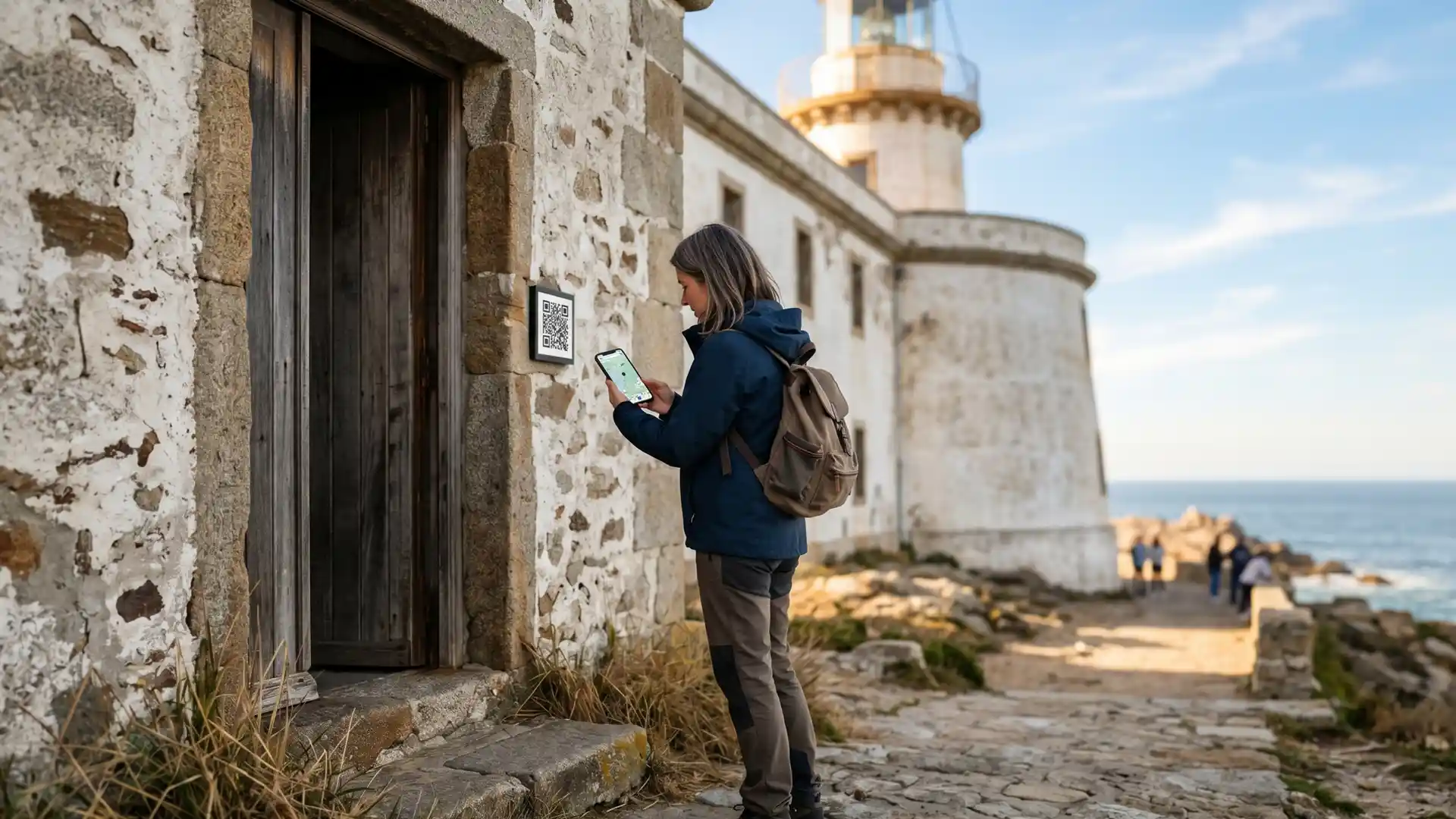
Small heritage sites avoid going digital because they assume it requires building a native app, which takes months and a significant budget. The reality is different. Browser-based platforms require no development, no app store submission, and no IT department. Visitors access the full experience by scanning a single QR code posted at the site entrance.
This assumption creates a real cost. Sites that rely on printed materials offer a static experience that cannot be updated, cannot support multiple languages without reprinting, and cannot measure how visitors actually move through the space. The cost of staying analog is invisible but constant.
What can a free digital audio guide include?
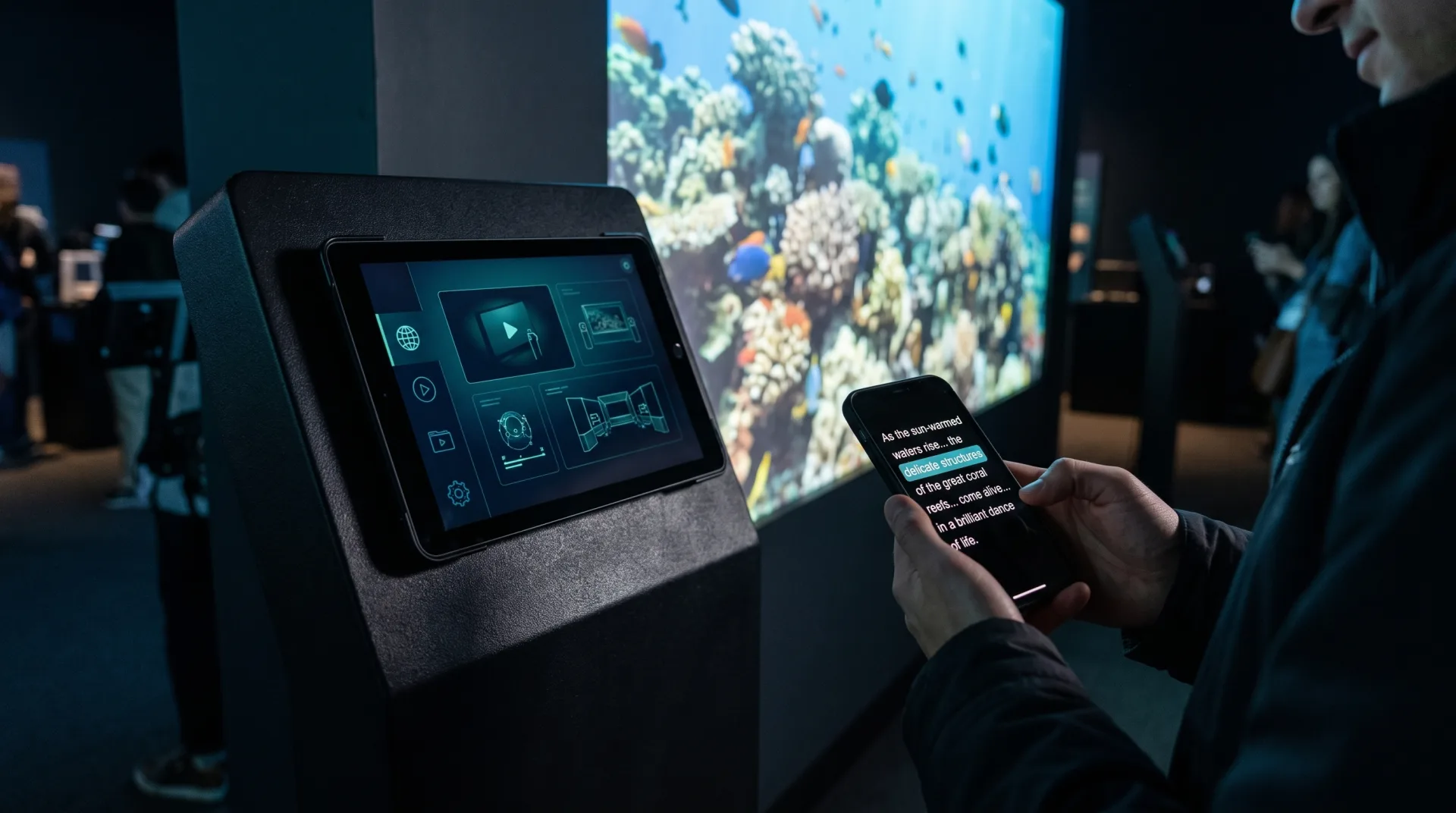
A browser-based heritage guide includes audio narration at each station, rich text and images, GPS navigation between stops, interactive trivia questions, and support for multiple languages simultaneously. Visitors experience all of this on their own smartphone, with no registration required and no personal data collected.
The content model maps naturally to the physical site. Each stop becomes a station with its own audio track, explanatory text, an optional image, and a riddle or question that tests understanding. The audio guide format lets visitors type in a station number and hear the narration, mirroring the familiar keypad logic of old plastic devices, with none of the maintenance cost.
How do visitors access the guide without downloading an app?
Visitors scan a QR code posted at the site entrance or on printed materials. Their phone opens the full experience directly in the mobile browser, with no login, no download, and no registration required. The tour loads completely and continues to work even without a cellular signal from that point forward.
This zero-friction entry is the single biggest advantage over both native apps and physical devices. There is no queue at a distribution desk, no deposit to collect, and no device to sanitize. Visitors start immediately, which is the only moment you have their full attention.
Does a digital heritage tour work without an internet connection?
Yes. A browser-based tour platform pre-loads all audio, images, and navigation data on the first scan. From that moment, everything runs fully offline. This is critical for stone buildings, underground sites, and remote nature trails where cellular coverage is limited or simply unavailable. Progress syncs automatically when connectivity returns.
GPS locks and compass navigation work independently of network connectivity. This means outdoor routes across open fields or forest paths function exactly as intended, and the visitor experience never breaks because of a weak signal.
How long does it take to build a self-guided digital tour?
Building a complete self-guided tour, including audio narration, station content, a GPS map, and support for multiple languages, takes between one and two hours on the platform. No coding knowledge is required. Content can be updated, translated using the AI content assistant, or extended at any time without waiting for a developer.
This speed matters for seasonal sites. A heritage trail that opens in spring can have a fully updated digital guide ready before the first visitors arrive, with no agency proposal and no waiting period.
Comparison: Printed Map vs. Custom App vs. Browser-Based Audio Guide
| Feature | Printed Map or Signage | Custom Native App | Spotix Browser Guide |
|---|---|---|---|
| Development Cost | Low (print only) | Very high | Free to start |
| Content Updates | Reprint required | Developer required | Done in minutes |
| Multilingual Support | Separate print per language | Expensive to add | Built in, AI-assisted |
| App Download Required | No | Yes | No |
| Works Offline | Yes | Partial | Yes, fully |
| Visitor Analytics | None | Requires custom backend | Built in |
What types of heritage sites already use this model?
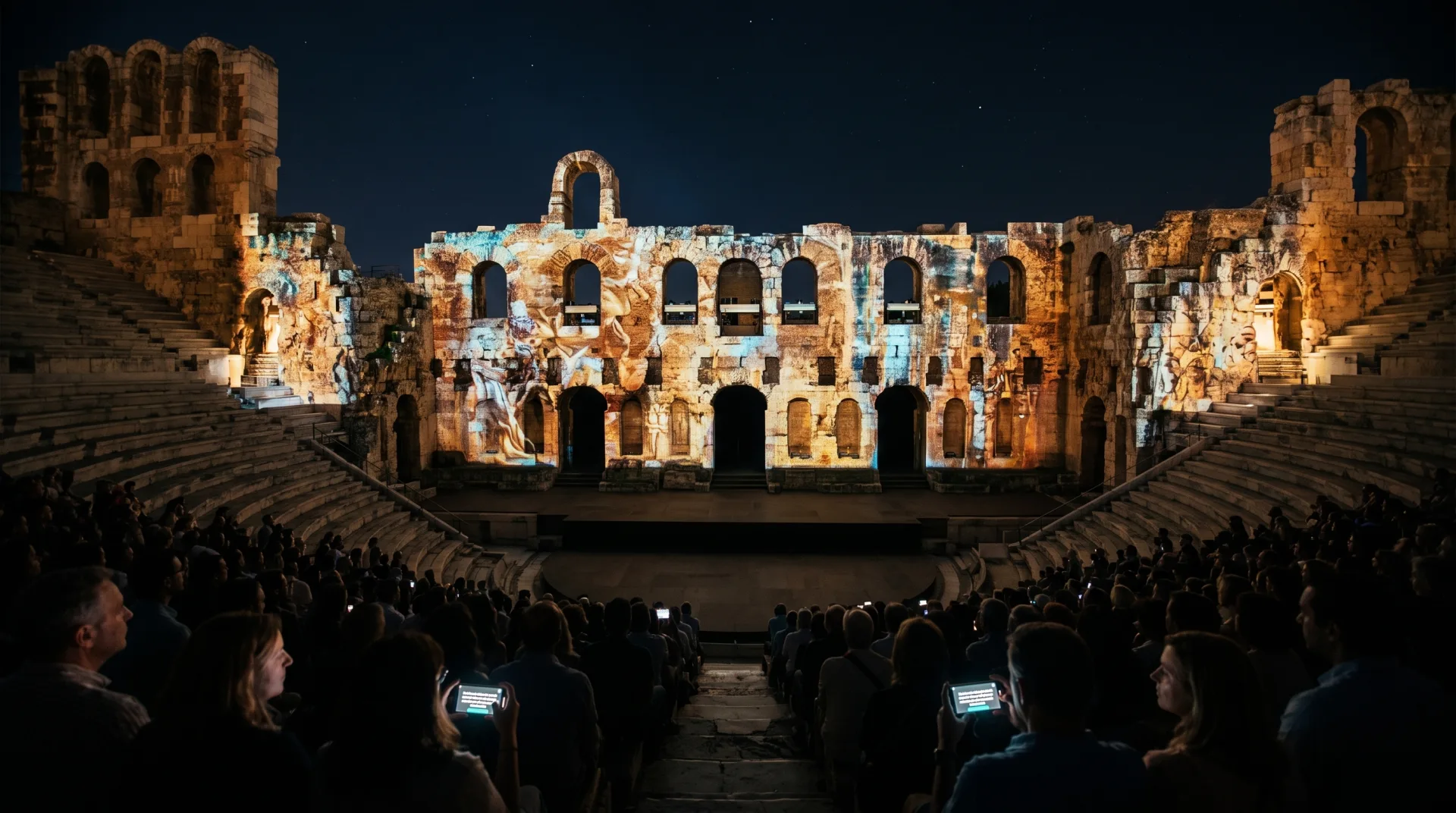
Browser-based digital guides work well for any site with multiple stops and a story to tell. Historic lighthouses, archaeological ruins, restored villages, regional wine and beer trails, sculpture parks, industrial heritage sites, and neighborhood walking tours all benefit from this model. The common factor is a team that wants a professional visitor experience without a professional development budget.
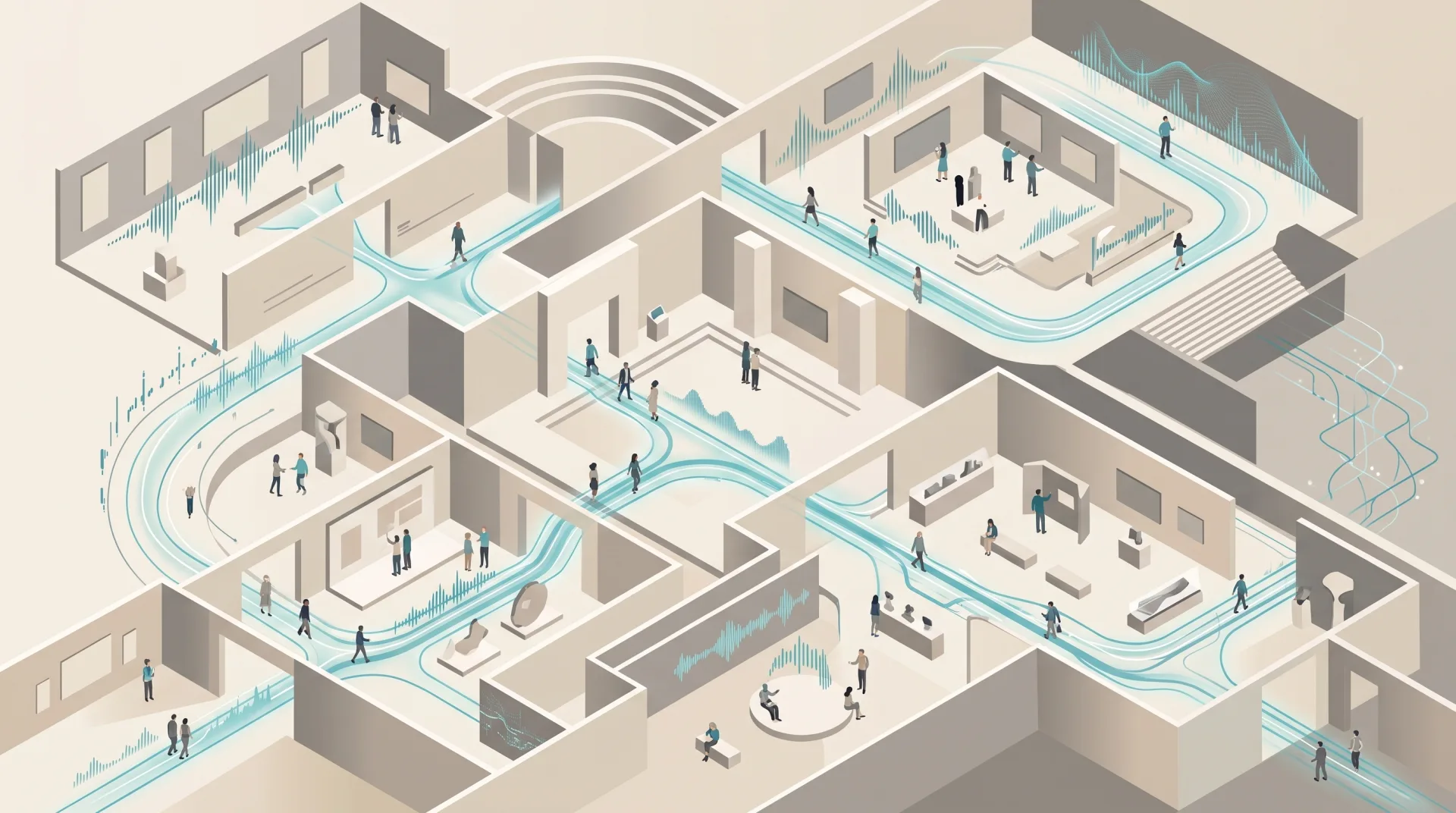
The interactive museum tour platform approach scales from a three-station lighthouse to a forty-stop historic city circuit, using the same zero-download entry point throughout.
How can a small heritage site measure visitor engagement?
A browser-based guide provides built-in visitor analytics that show how many visitors completed each station, where they dropped off, which questions were difficult, and how long they spent on the route. This data is impossible to collect from a printed map and expensive to build into a custom app.
For sites that apply for grants or report to a cultural authority, this data becomes evidence of visitor impact without requiring a separate tracking system.
Start building your free digital guide today at spotix.app.