Real-Time AV Sync via Web: How Millisecond Audio-Video Alignment Works
Streaming translated audio and word-by-word captions in perfect alignment with museum video projections has historically presented a complex engineering challenge. Legacy systems relied on radio frequency (RF) transmitters, physical induction loops, or heavy native apps that suffered from severe audio latency and poor adoption, with Nubart research showing under 2.5% of visitors download venue apps. LingoCast solves the AV sync bottleneck using a web-native architecture powered by a shared cloud clock, delivering millisecond-level precision directly to the mobile browser. This technical article analyzes the system architecture enabling accurate alignment without hardware installations.
How Does the Shared Cloud Clock Engine Achieve Millisecond AV Synchronization?
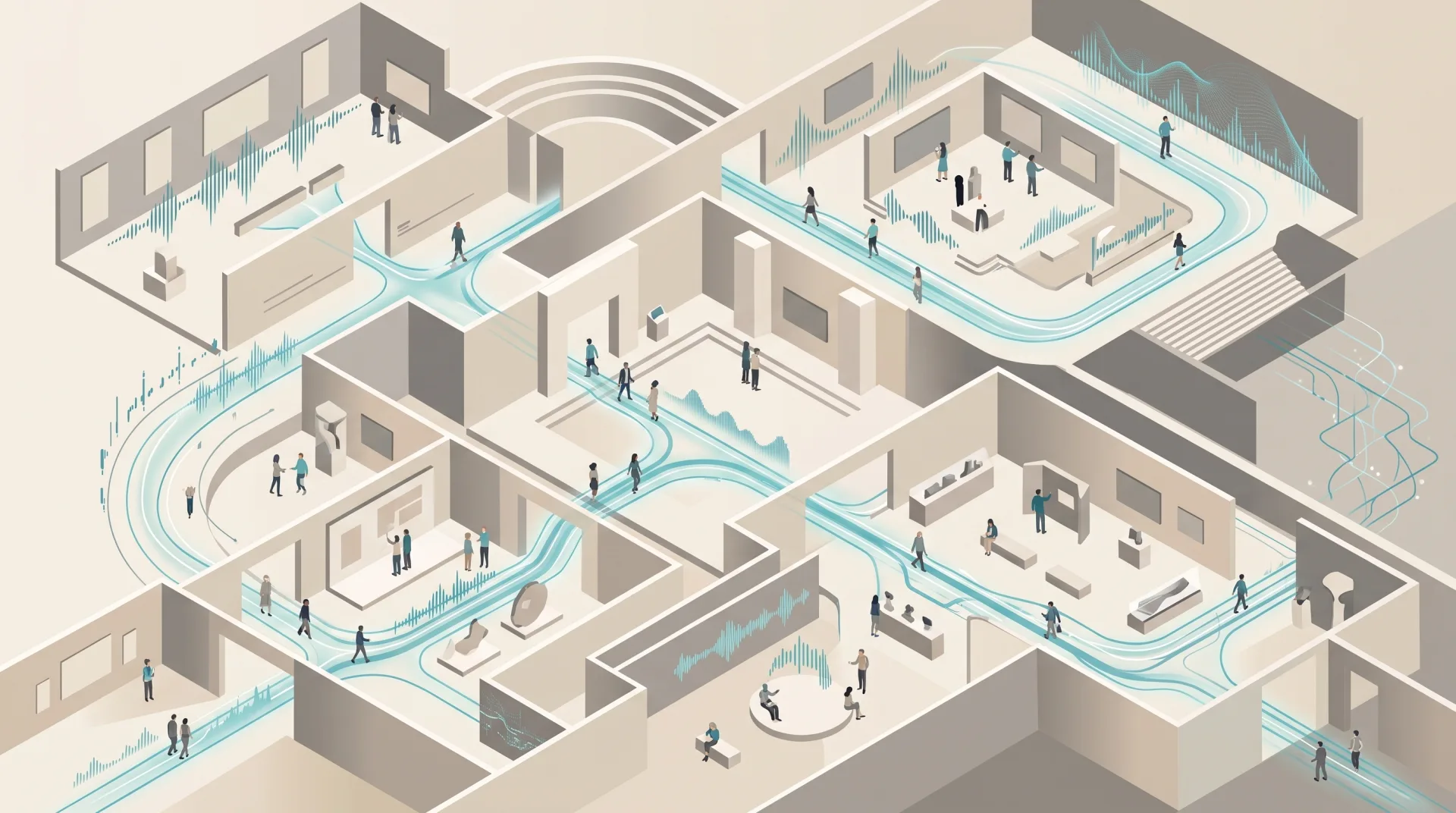
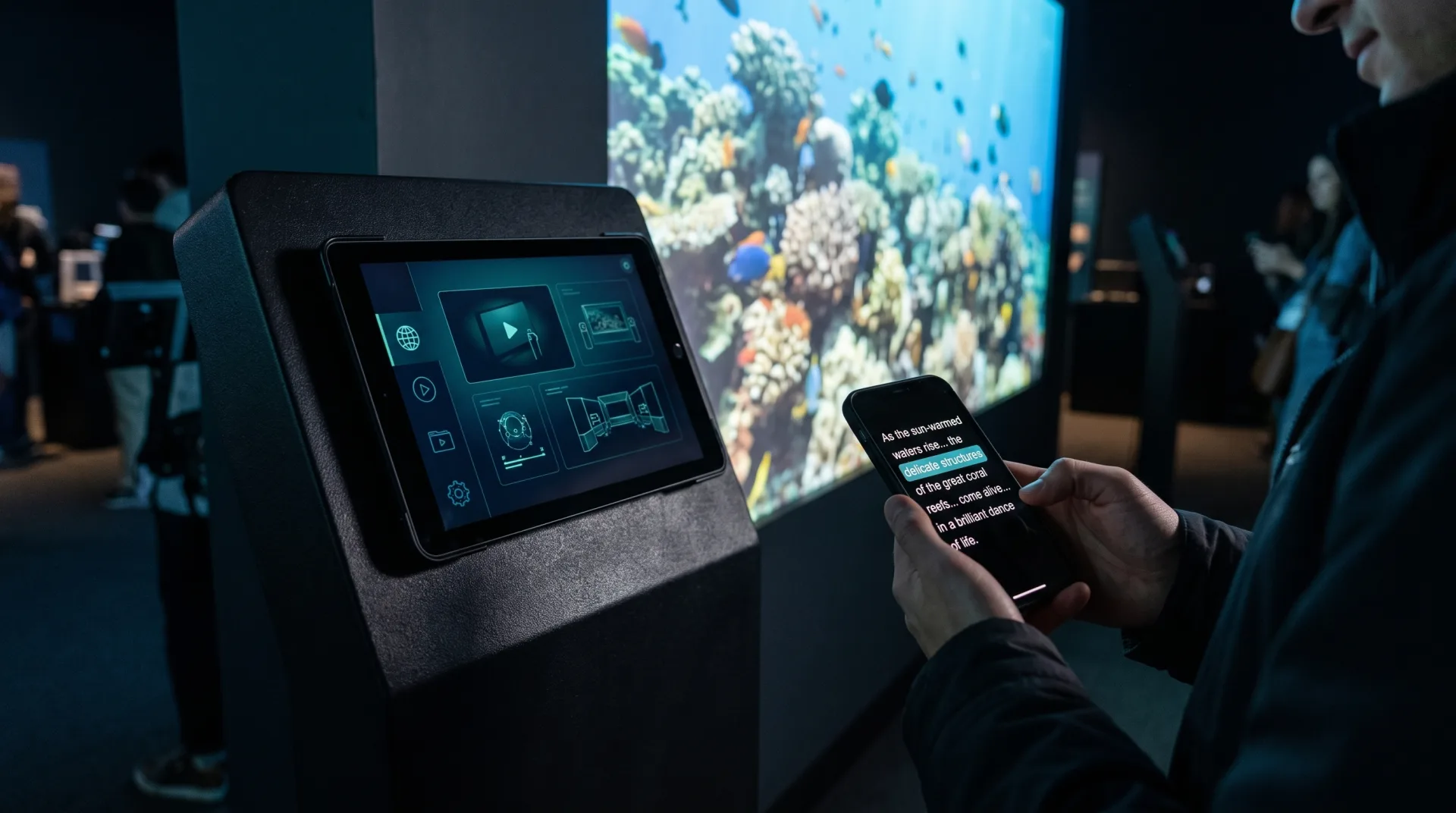
The synchronization engine utilizes a shared cloud clock aligning the primary display screen with visitors' mobile browsers. Operating through standard web protocols, the system maintains millisecond-level precision without relying on local hardware, dedicated WiFi, or Bluetooth broadcasting. Smartphones detect the exact playback position instantly, streaming audio and captions in perfect alignment with the gallery video projection.
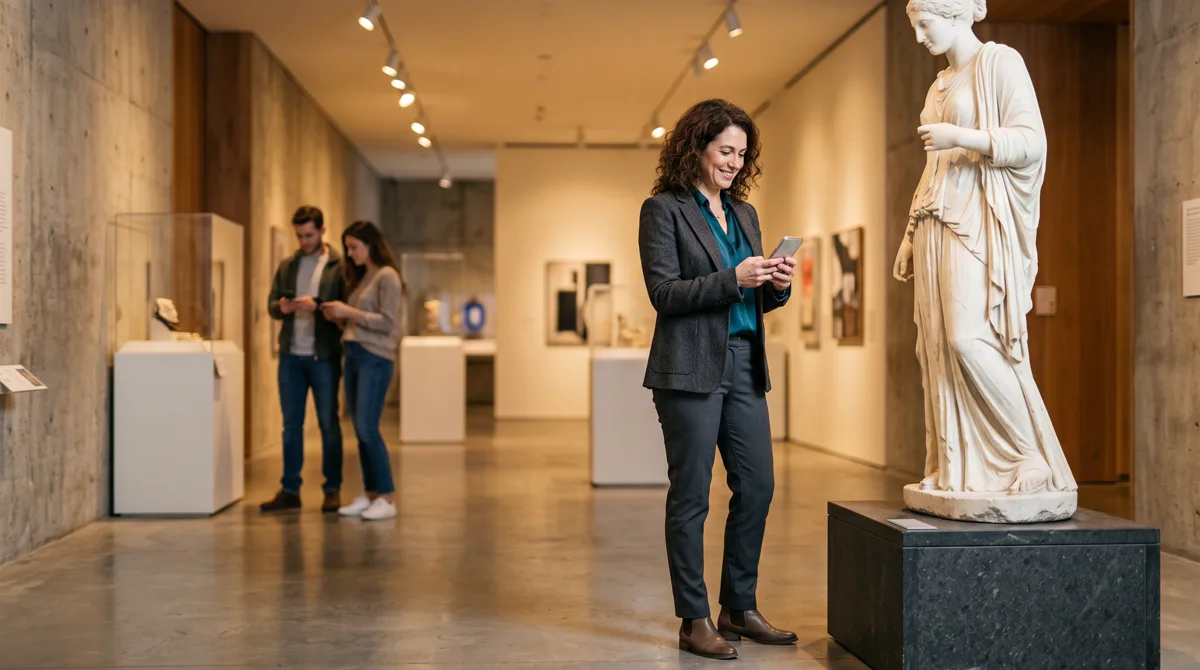
The server architecture continuously calculates time offset between the central video playback node and client devices. When a visitor scans the QR code, the browser does not download heavy video files, but connects to a lightweight data channel that plays audio precisely at the current screen timecode.
To understand how this approach ensures complete regulatory peace of mind, read our guide on museum accessibility compliance.
What Are the Three Operating Modes for Fixed Displays, On-Demand, and Live Shows?
The system provides three flexible operating modes engineered for different exhibition environments. Continuous Loop mode synchronizes mobile audio for ambient gallery screens and other public screens running nonstop. On-Demand mode initiates playback when a visitor scans the QR code. Live Show mode empowers operators to trigger synchronized multi-device playback simultaneously across an entire audience group.
These three deployment modes allow system integrators and AV heads to tailor the audio delivery to any space. Whether managing a continuous 360 projection loop or an operator-led guided tour, screen-to-mobile synchronization remains tightly aligned. In each mode the same mechanism delivers multilingual audio for video displays without adding a single device to the wall.
Discover how venues deploy these operating modes in our solutions overview for museums and heritage sites.
| Operating Mode | Technical Trigger & Mechanism | Typical Gallery Use Case | Browser Visitor Experience |
|---|---|---|---|
| Continuous Loop | Instant sync to running cloud server timecode | Nonstop video projections in gallery halls | Joins current playback position instantly in milliseconds |
| On-Demand | QR scan triggers central screen & mobile audio | Individual kiosk displays or standalone exhibits | Starts video and synced audio simultaneously from zero |
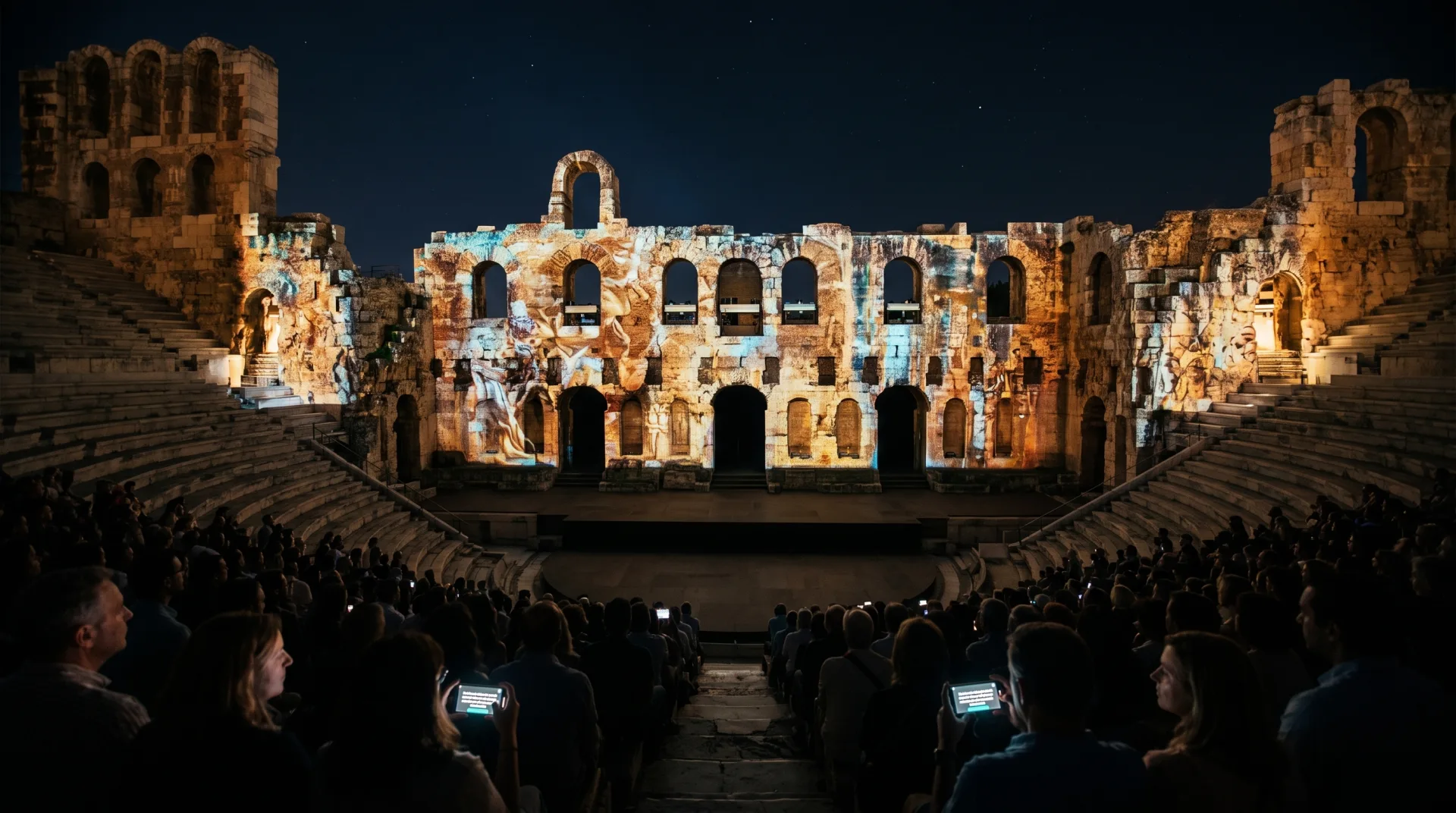
| Live Show | Operator countdown & centralized trigger | Outdoor night shows & guided group tours | Simultaneous synchronized playback across all devices |
How Does Manual Fine-Tuning Resolve Bluetooth Headphone Audio Latency?
Bluetooth audio latency varies across visitor smartphones due to hardware codecs and wireless processing delays. The system solves this latency gap through an intuitive manual fine-tuning slider in the mobile browser. Visitors adjust playback alignment in milliseconds until the spoken audio matches highlighted on-screen words, eliminating personal wireless audio delay entirely.
Because different wireless headphone models introduce varying hardware buffer delays, software-based calibration on the phone resolves lip sync issues completely. Visitors simply slide the control until the highlighted caption word matches what they hear in their ears.
For further details on frictionless browser delivery, explore our analysis on boosting visitor engagement via QR.
How Are Word-by-Word Captions and Audio Description Tracks Streamed Simultaneously?
Synced captions and audio description for exhibition films run on parallel data channels linked to the central cloud clock. The platform renders synchronized karaoke-style subtitles across multiple languages alongside dedicated audio description tracks. This dual stream supports deaf, hard-of-hearing, blind, and international visitors simultaneously while ensuring native screen reader accessibility.
The text engine processes the narration transcript, highlighting each individual word at the exact moment it is spoken on the main screen. Concurrently, a dedicated audio channel streams audio description narration for blind visitors, maintaining full compatibility with screen readers like VoiceOver and TalkBack. Audio description for museum video rides the same path as any other language track, so adding it changes nothing about the installation on the wall.
The browser architecture yields one more engineering advantage: because audio plays from the visitor's own phone, it also streams directly into Bluetooth-paired hearing aids and cochlear implants. Visitors with hearing loss receive the audio channel straight inside their own hearing device, with no intermediate receivers and no induction loops in the hall.
Learn more about structuring accessible multimedia content in our guide on rich content blocks and audio.
Why Does a Web-Native Architecture Replace Traditional RF Transmitters and Loops?
A web-native browser architecture replaces expensive RF hardware, infrared transmitters, and physical induction loops with software cloud delivery. The platform operates over standard internet infrastructure without local application downloads or proprietary hardware maintenance. This software-first design drastically lowers infrastructure costs while allowing instant deployment across gallery spaces within seconds.
CTOs and technical teams avoid maintaining proprietary receiver hardware or managing radio frequency allocations. The web-native solution leverages powerful processors on existing smartphones, helping active venues achieve tour completion rates of ~90%.
To see how web architecture integrates with overall accessibility standards, visit our museum accessibility features overview.
Bottom Line
LingoCast technology proves that millisecond video and audio synchronization does not require cumbersome hardware or native mobile apps. By leveraging a shared cloud clock, browser-based fine-tuning, and a web-native architecture, your venue implements a modern, accessible, and reliable AV sync solution instantly.
Scan and experience the sync yourself! Step into the LingoCast live demo right now, scan the QR code with your smartphone, and see video, audio, and captions align in real-time millisecond sync!